PalmPort Free
Five minutes.
Every session.
Mac screen, keyboard and trackpad included. Reconnect to start another free session.
$0 PalmPort
A closer connection to your Mac
Your screen, keyboard and trackpad, together on your phone. Unfold iPhone Duo and make a little more room for your Mac.
Same Wi-Fi. Your Mac’s approval. No PalmPort account.
Made for iPhone Duo. At home on iPhone & iPad.
iOS client coming to the App Store.
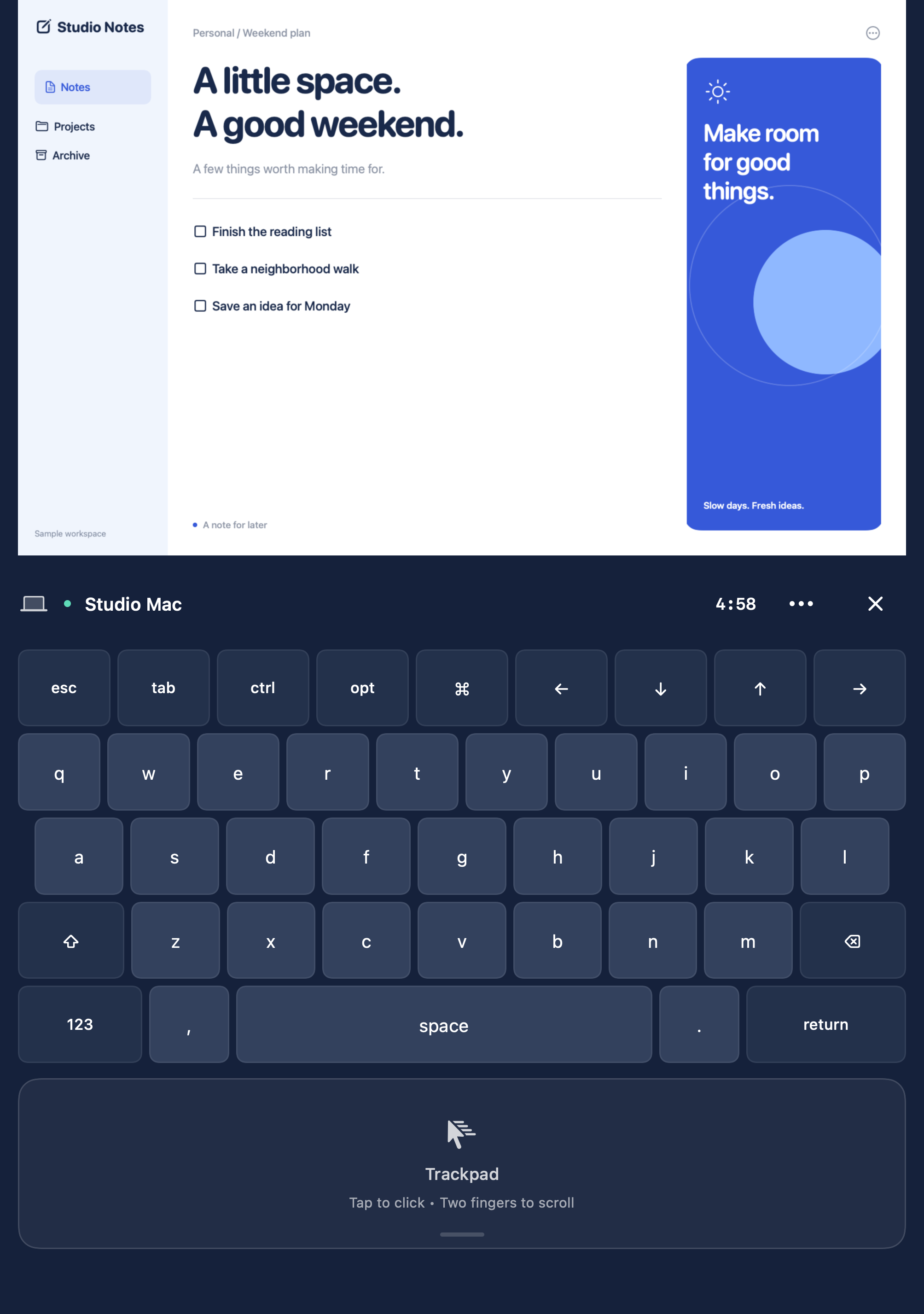
Your actual Mac screenYour main display, in view.
The keys you knowType with familiar Mac shortcuts.
A trackpad under your fingersPoint, click, scroll and drag.
Open Duo for a larger view. Fold it when you’re on the move. PalmPort adjusts the screen and controls to the space you have.
Also works with iPhone and iPad. Your Mac stays awake, right where you left it.
Your Mac screen, keyboard and trackpad share the unfolded display. Keep the whole desktop in view while you type or move the pointer.
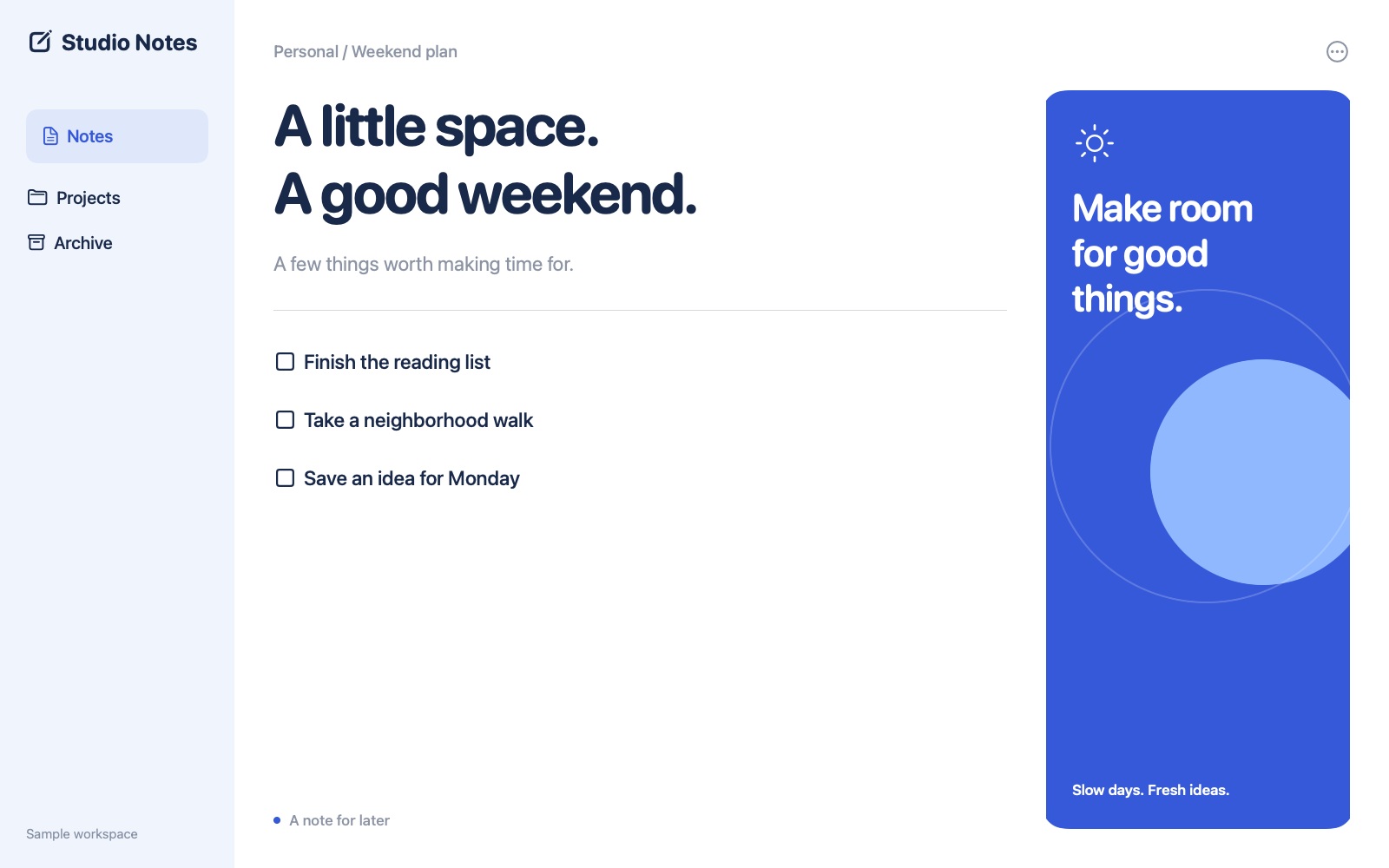
Illustrative Duo layouts using PalmPort’s native interface and a sample workspace.
Write a quick note. Use a keyboard shortcut. Click with the trackpad. Switch to dark mode.
Recorded iPhone app preview. Sample Mac workspace.
A connection starts with your permission.
No account or cloud relay to set up.
Install PalmPort Host. Allow Screen Recording to share the display and Accessibility to use the keyboard and trackpad.
Download the free Mac hostKeep your phone and Mac on the same Wi-Fi. Start hosting on the Mac, choose it in PalmPort and enter its pairing key.
Keep your Mac awake with its lid open.
Approve the request on your Mac. Your screen and controls travel directly between the devices through an encrypted connection.
Read the setup guideTry all the controls before you decide.
PalmPort Host for Mac is always free.
Start with the free host. Pair it with PalmPort on your iPhone or iPad.
Version 1.0.0 · 3.5 MB · Free
Developer ID signed & Apple-notarized app.
Verify SHA-256 checksum
macOS 14 or later. Apple silicon & Intel.
Client requires iOS or iPadOS 17 or later. Duo folding requires supported system software.
Preparing for App Store release. The Mac host works with the PalmPort client; it isn’t a standalone remote-access service.
PalmPort shows and controls your own Mac. Your Mac runs the apps and must stay awake. The phone is your screen, keyboard and trackpad.
This version works on the same local Wi-Fi network. Internet remote access and cloud relays aren’t included. Guest networks may block connections between devices.
Move one finger to point, tap to click, use two fingers to scroll or right-click, and hold then move to drag.
No. Session content travels directly between your devices. PalmPort does not send it to the publisher or save session recordings. Read our privacy policy for details about the app and website.
This release shares the main Mac display. Audio streaming, clipboard sync, file transfer, extra Mac displays and internet connections aren’t included.
Open the Pro screen in PalmPort and choose Restore Purchases using the Apple Account that purchased Pro. Apple handles the purchase; the Mac host stays free.